Portable Power Station vs UPS for Home Backup: Which Should You Choose?
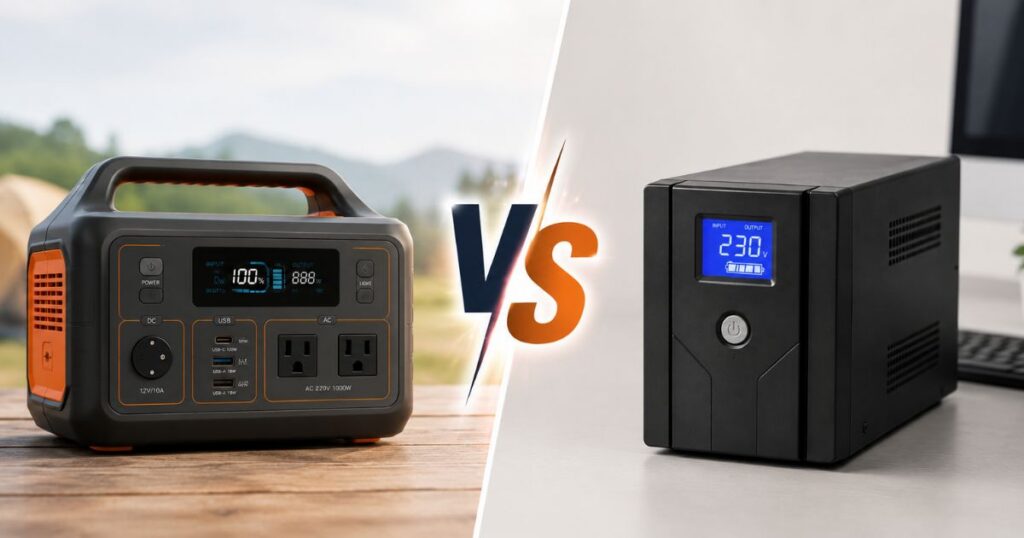
During a power outage, both a UPS and a portable power station can keep devices running, but they solve different problems. A UPS is built to prevent that split-second reboot of sensitive equipment. A portable power station is built to give you hours of runtime. The real question isn’t which one is “better” in general — it’s which one matches the problem you’re trying to solve.
puts it simply: when people search for “battery backup,” they often mean two very different things — keeping sensitive electronics from rebooting, and running essentials for hours when an outage lasts longer than a few minutes. Both use batteries, but they are not interchangeable in every situation. [2]
Quick Answer: UPS for No-Reboot Protection, Portable Power Station for Runtime
A UPS is best for short power blips and devices that must stay on without even a brief interruption, including desktop computers, routers, modems, NAS devices, and security recorders. It’s engineered for instantaneous transfer and short-duration protection. [2][5]
A portable power station is better for longer outages, larger batteries, multiple devices, solar recharging, and practical home essentials such as lights, phones, fans, CPAP, Wi-Fi gear, and refrigerator cycling. It’s designed for sustained output. [2][5]
So the decision often comes down to this: Are you protecting a specific device from rebooting, or are you trying to run several essential devices for hours?
What a UPS Does Best
A UPS is the safer first choice when your main goal is preventing a desktop, NAS, router, modem, or security recorder from rebooting. If your device needs power to continue without any drop, a UPS is designed for that. Popular Mechanics summarizes the core difference directly: a UPS is engineered for instantaneous transfer for short-duration protection. [2][5]
UPS units also make sense for stationary devices that need uninterrupted supply. notes that a UPS is generally better for stationary devices that need uninterrupted power in the event of an unexpected outage — examples include CPAP machines, oxygen tanks, and computers. [1]
Practical Limitation: Runtime
The tradeoff is runtime. Because a UPS is engineered for instantaneous transfer and short-duration protection, it’s not the device you want if the outage stretches on for hours. A UPS protects the moment. It doesn’t generally give you a full night of lights, Wi-Fi, and refrigeration. [5]
What a Portable Power Station Does Best
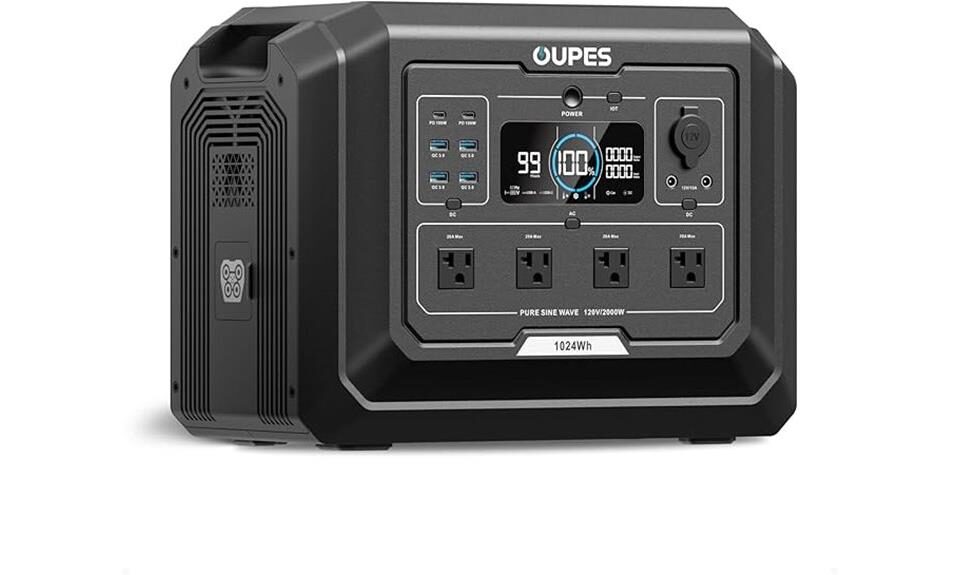
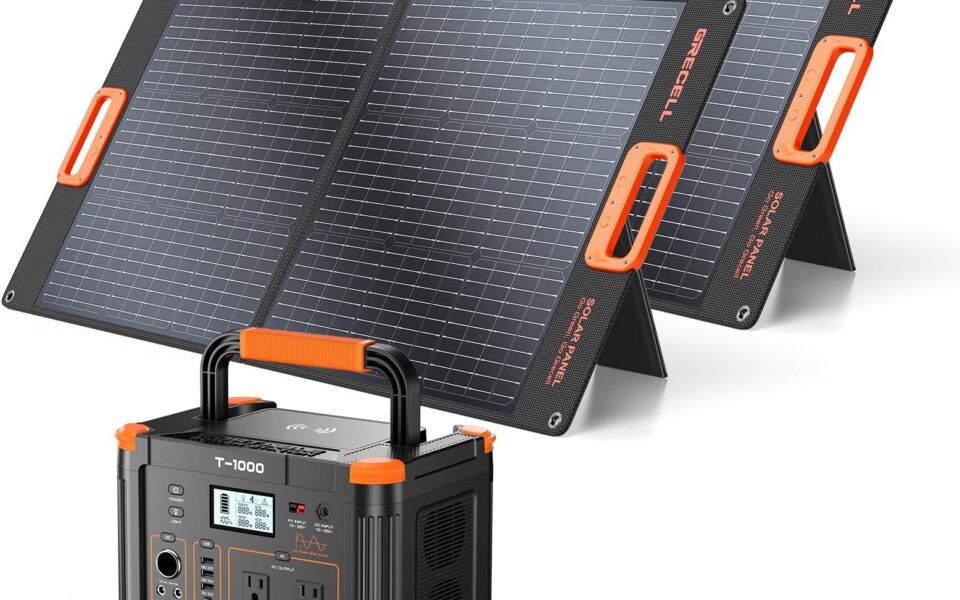
When the outage is longer, a portable power station gives you more usable energy. It’s better suited for longer outages, larger batteries, multiple devices, and solar recharging. And in a direct tradeoff against a UPS, states that a portable power station is much better suited as a home backup solution. [2][1]
Portable power stations are also designed to be moved. explains that you can easily transport a portable power station from one location to another, while UPS units are typically larger and not meant for moving around — they’re usually stationary devices permanently installed in a home or office. [1]
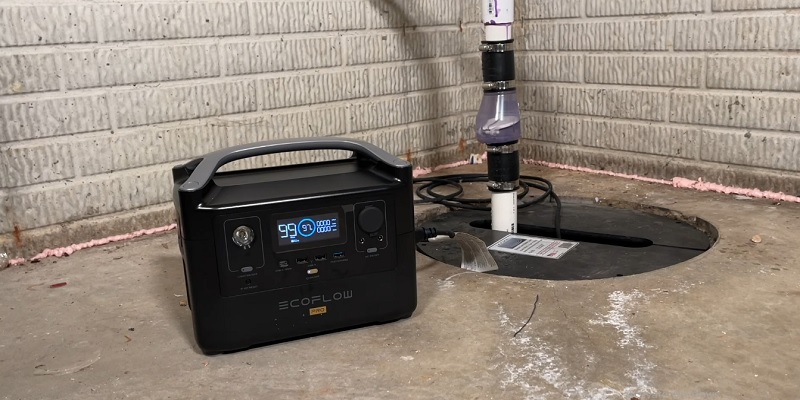
If your plan is to keep Wi-Fi running, charge phones, run lights, cycle a refrigerator, or power a fan for several hours, a portable power station is the more practical tool. [2]
But Not for Whole-Home Backup
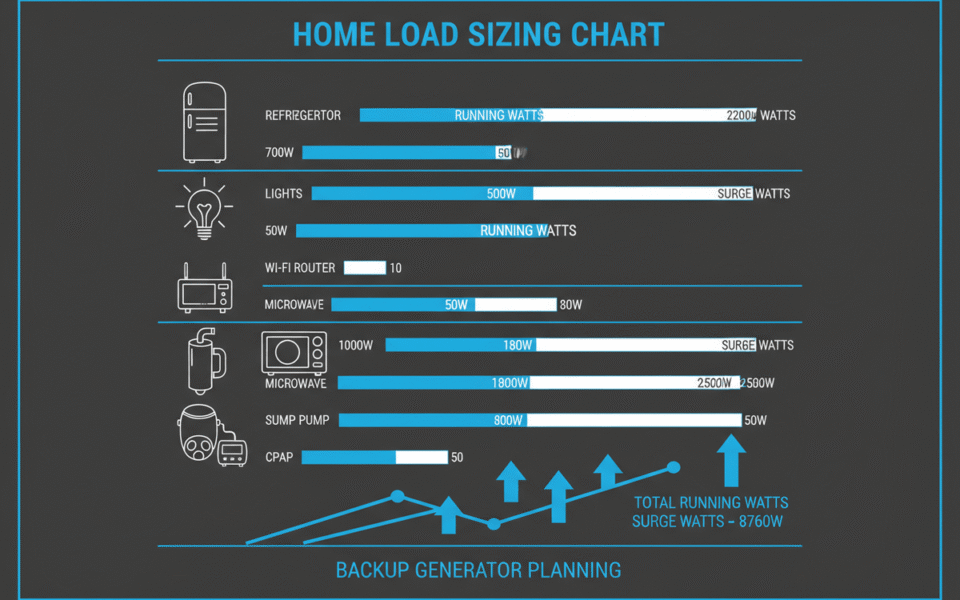
It’s important to be clear about scale. warns that a portable power station is designed for convenience and mobility, and is meant for temporary, specific tasks — not for providing backup power for house needs. A decent unit might put out around 1,800W, enough to run a microwave for a few minutes before the battery drains. [3]
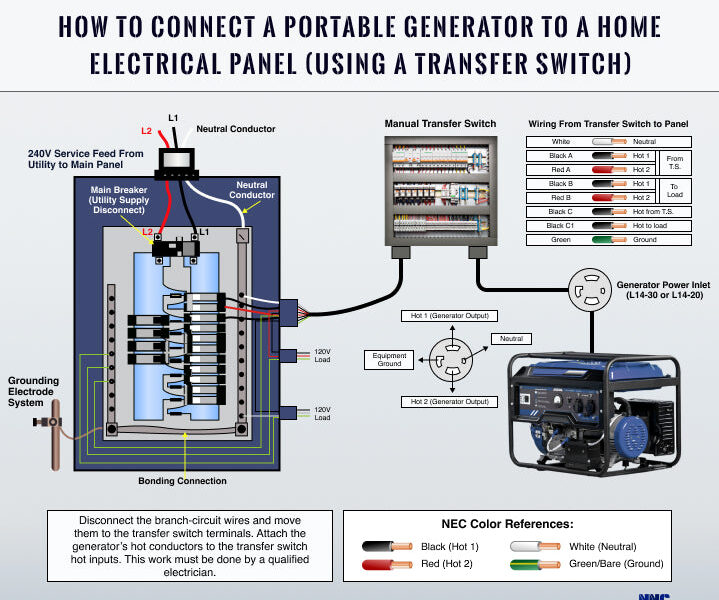
That’s a very different job from a whole-home battery system. notes that portable power stations typically have low capacity in the 200Wh to 3kWh range and power small devices like laptops, lights, and mini-fridges. A home battery system is in the 5kWh to 80kWh+ range and can power an entire house, including HVAC, refrigerators, and well pumps, while integrating fully into your home’s electrical panel. [3]
So a portable power station is a better home backup option than a UPS if you’re choosing between those two. But if you’re expecting it to replace a whole-home battery, that’s a different product category entirely.
The Overlap: EPS-Mode Portable Power Stations
Some portable power stations include what’s often called EPS (Emergency Power Supply) capability. These models can provide a faster backup transition for selected home and office applications. In some cases, that means the power station can act more like a UPS for certain devices. [6]
explains that EPS engineering brings together portable power, long service life, clean power, and smart control. Some models use LiFePO4 prismatic cells that support 6,000+ cycles, and produce pure sine wave output that can support a range of home and office electronics. Some models in this category range from about 300W to 3,600W output and roughly 806Wh to 3,225Wh of energy storage. [6]
Can You Use One to Replace a UPS?
Sometimes — but not always. says that a dedicated UPS is still the safer first choice when your main goal is preventing a desktop, NAS, router, modem, or security recorder from rebooting. At the same time, says yes, a portable power station can be used as a permanent UPS for a gaming PC, but only when the portable power station supports EPS mode, pass-through charging, and fast transfer. In that case, a LiFePO4 portable power station with a pure sine wave inverter can provide flexible home office or gaming backup. [2][6]
So how do you reconcile that?
If a power station explicitly supports EPS mode and fast transfer, it may work. But not every portable power station does, and even the ones that advertise fast transfer may not behave like a dedicated UPS with every device. cautions that even if a model lists fast switching, you should still test your exact equipment before relying on it for sensitive electronics. gives concrete advice: check the rated output, transfer time, waveform, and pass-through specifications before connecting sensitive equipment. For equipment that requires zero-transfer protection, a dedicated UPS is still the safer solution. [2][6]
Practical Limitations to Plan Around
Transfer Time vs. Runtime
A UPS is optimized for instantaneous transfer and short-duration protection; a portable power station is designed for sustained output. That means if your router reboots during a 30-second blip, a UPS solves that specific problem. If you need the router to stay on for six hours, a portable power station solves that problem — but only if it handles switchover well enough for your router. [5]
Don’t assume a power station’s advertised transition time works for all your gear. Look at the rated transfer time in the current spec sheet, and test it with the exact device you plan to protect. [2]
Fixed Capacity
A portable power station has fixed capacity. If your needs grow beyond what it can handle, the only option is buying another unit. That’s a practical planning point if you’re choosing a station for home backup. Think about what you need today and what you might need next year. [3]
Setup and Placement
A portable power station is a standalone unit with manual setup — you connect devices with cords. That makes it flexible, but it also means you’re managing cords during an outage. A typical UPS unit is larger and not meant for moving around. Choose based on whether you need a fixed, always-in-place device or something you can move to the room where it’s needed. [3][1]
Medical Devices
If a CPAP machine or oxygen concentrator must not lose power even for a second, recommends a UPS as the better choice for stationary devices that need uninterrupted supply. But if you’re planning for many hours of use, a portable power station can provide longer runtime. Before using either option for a medical device, verify the device’s power requirements and switching tolerance with the device manufacturer, and follow their guidance. [1][2]
Which Should You Buy First?
If your main concern is keeping a desktop, NAS, router, modem, or security recorder from rebooting during a short blip, buy a UPS first. [2]
If your main concern is running essentials for hours during a longer outage — lights, phones, Wi-Fi, fan, CPAP, or refrigerator cycling — buy a portable power station first. [2]
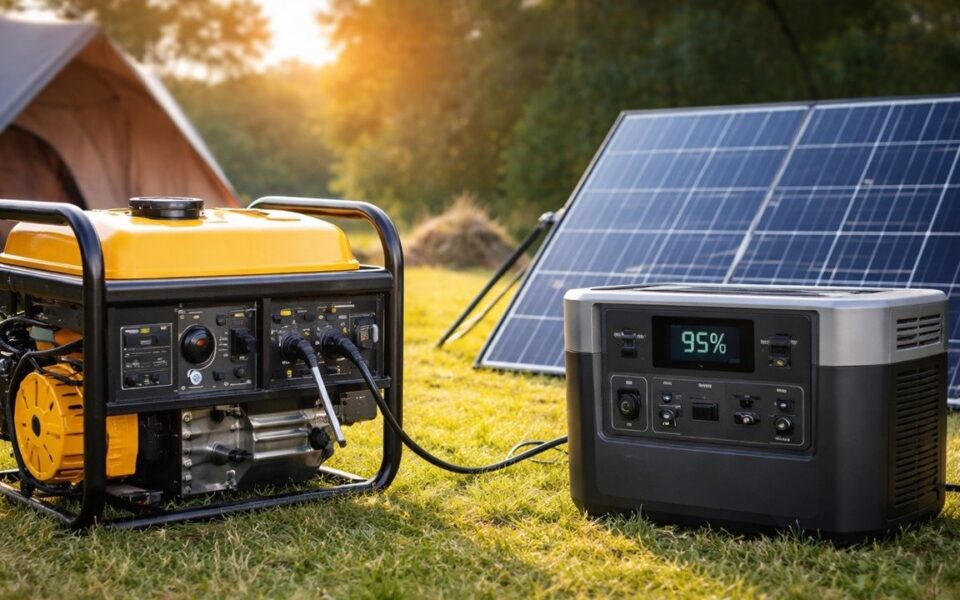
For many homes, the best answer is both. notes that many homes use both: a UPS for no-reboot protection and a power station for longer runtime. recommends a hybrid deployment strategy: use a dedicated UPS for equipment requiring the fastest transfer, and use a portable power station for longer backup, mobile loads, and high-power appliances. If you use a power station with EPS capability, you can also cover some sensitive applications with pass-through charging and faster transfer — but only after checking the specs and testing your devices. [2][6]
A practical starting point is to cover your most reboot-sensitive device with a UPS first. Then add a portable power station when you want hours of backup for the rest of your essentials.
What to Check Before You Buy
Before you rely on any portable power station to protect sensitive electronics, verify the current specs directly from the manufacturer or retailer. Specifically check:
- Rated output (watts) and capacity (watt-hours)
- Transfer time if the model advertises UPS or EPS capability
- Waveform — look for pure sine wave output for sensitive electronics
- Pass-through charging support
- Whether the model actually supports EPS mode or fast transfer [6]
Even when a model lists fast switching, test your exact equipment before depending on it for sensitive devices. For equipment that absolutely cannot tolerate a transfer gap, stick with a dedicated UPS. [2][6]
Model-year details, specs, prices, availability, and package contents change frequently. Always confirm the current manufacturer or retailer listing before buying.
Sources
1. UPS (Uninterruptible Power Supply) vs. Portable Power Station 2. Portable Power Station vs UPS for Home Backup (Which One Do You Need?) – UDPOWER 3. Home Battery vs Portable Power Station: UPS Backup Compared | EcoFlow US 4. Which Is Better: UPS or Portable Power Stations? – BLUETTI US 5. Can You Replace a UPS Backup with a Portable Power Station? 6. Portable Power Station vs UPS Differences and Overlaps